
Why Picture-in-Picture is not working on your iPhone
Three things account for almost every case: the automatic PiP switch is off in Settings, the app you are using has not implemented PiP, or the video was paused when you swiped away. A fourth catches people out on YouTube, where the rules changed in April 2026 and the new behaviour is still rolling out account by account.
Check the setting most people never opened
Go to Settings › General › Picture in Picture and turn on Start PiP Automatically. With it off, swiping up from a playing video sends you home and stops playback instead of shrinking it into a floating window.
This switch has moved between iOS versions and is off by default in some upgrade paths, which is why it accounts for a large share of reports. PiP itself arrived in iOS 14, so anything older than that will not have the feature at all.
The short version: turn on Start PiP Automatically, make sure the video is actually playing before you swipe up, and check that the app supports PiP. If it is still missing on YouTube, you are probably waiting on the staged rollout that began in April 2026.
What changed for YouTube in April 2026
YouTube used to keep PiP behind a Premium subscription outside the United States. In late April 2026 Google announced it was opening PiP to free accounts globally, for longform, non-music content, rolling out over the following months.
Three consequences worth knowing:
- If PiP has not appeared for you yet, the rollout may simply not have reached your account. This is not something you can force.
- Music videos are still excluded on the free tier.
- Background listening with the screen off is a separate feature and remains part of Premium. PiP being free does not change that.
Most troubleshooting articles you will find on this topic were written around iOS 14 in 2020 and still say the YouTube app does not support PiP at all. That advice is now out of date.
The app has to implement PiP for it to exist
PiP is not something iOS applies to any video on screen. Each app has to hand its video to the system player layer and opt in. Safari, FaceTime, Apple TV, Podcasts and Home have done so for years. Plenty of third-party apps never have.
If PiP works in Safari but not in a particular app, the app is the reason, and no amount of settings changes will produce the button.
A paused video will not enter PiP
This one is easy to miss. If you pause a video and then swipe up, iOS treats it as an ordinary app exit and nothing floats. Start playback, confirm it is running, then swipe up from the bottom edge or press the Home button.
PiP ends when you lock the phone, by design
A lot of people arrive at PiP looking for background playback and conclude it is broken when the audio dies on lock. It is working as intended. PiP keeps a video visible while you use another app; it is still a foreground video session in a smaller window, and locking the device ends it like any other.
If what you actually want is audio that survives the lock button, that is a different mechanism, covered in our guide on playing video in the background on iPhone.
When the button vanishes part way through
Two common causes. Protected content, where DRM blocks PiP for licensing reasons, which is why subscription streaming services often refuse it. And custom web players that render video inline instead of passing it to the system layer, so iOS never gets the chance to offer PiP.
Neither has a fix from your side. The decision sits with the site or the app.
Free iOS downloader and offline player. Picture-in-Picture on any saved video, plus background audio with the screen locked. Rated 4.4 out of 5 from 1,330 App Store ratings.

The version of PiP that always works
Every cause above traces back to the same thing: someone else decides whether PiP is available to you. The site, the app, the DRM licence, the rollout schedule.
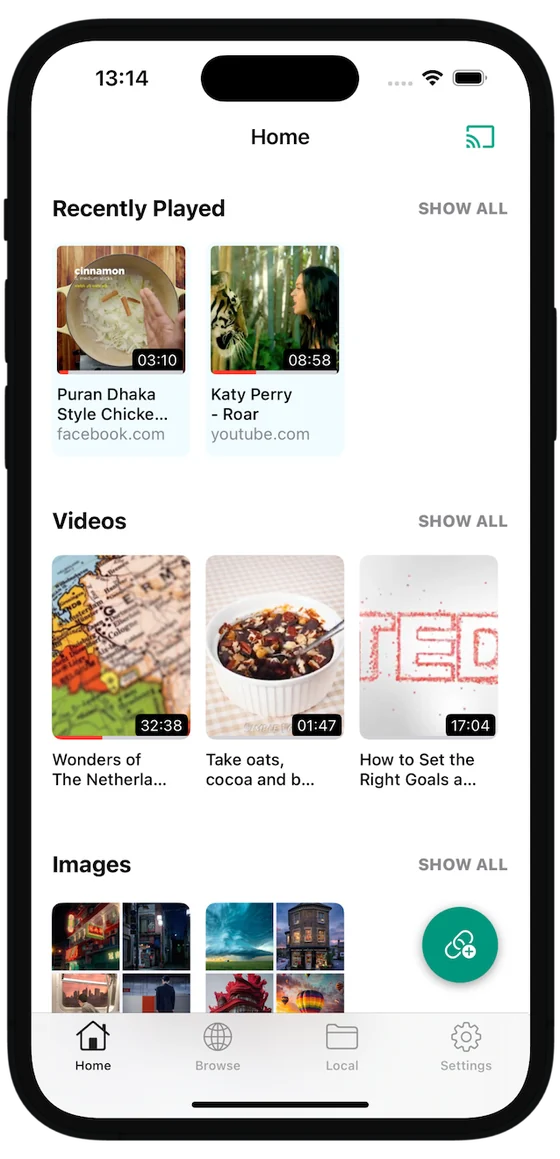
A video saved to the device sidesteps all of it. Once the file is local, the player you open it in decides, and a player built for offline media supports both PiP and background audio without conditions. Our guide on how to download video on iPhone covers the ways of getting a file onto the device, including why HLS streams defeat most of the simple methods.
Questions
Why does the Picture-in-Picture button disappear in Safari?
Usually because the video is protected by DRM, or because the page plays it inline in a custom player rather than handing it to the system video layer. Netflix and other subscription services block PiP for licensing reasons. Some sites also disable it deliberately so you keep watching in the tab.
Does Picture-in-Picture drain more battery?
Slightly more than the same video full screen, because the display stays on while another app also renders. The difference is small next to keeping the screen lit at all. If battery is the concern, playing audio with the screen off uses far less than any form of visible playback.